
Verification note: Product terms can change. This page was checked against Renewed Vision’s official information on July 15, 2026. Use the linked official page for the final current details.
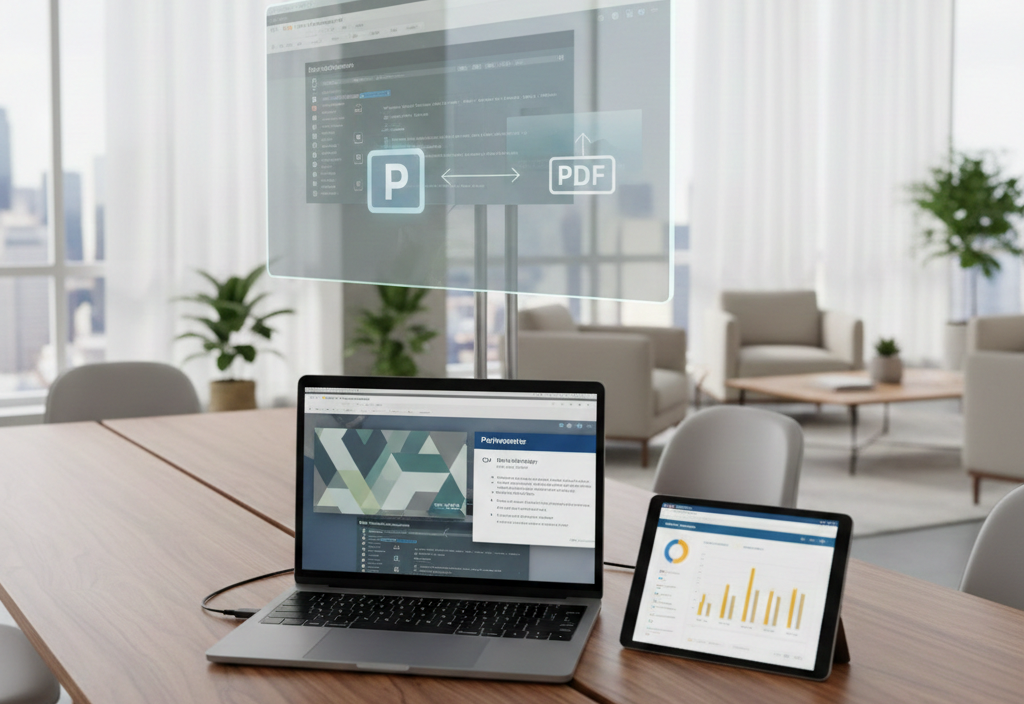
ProPresenter supports importing presentation material, but the result depends on the software version and file type. Renewed Vision introduced a native PowerPoint importer in ProPresenter version 21 for PPTX files, with editable text, objects, media, and some simple animations. Complex PowerPoint behavior may still need manual checking.
Import safely
- Keep the original PowerPoint or PDF file unchanged.
- Import on a test copy of the ProPresenter library.
- Check fonts, line breaks, images, videos, transitions, and animations.
- Review every slide at the final output resolution.
- Rebuild slides natively when the import does not preserve critical formatting.
See Renewed Vision’s official PowerPoint importer documentation for version-specific details.